
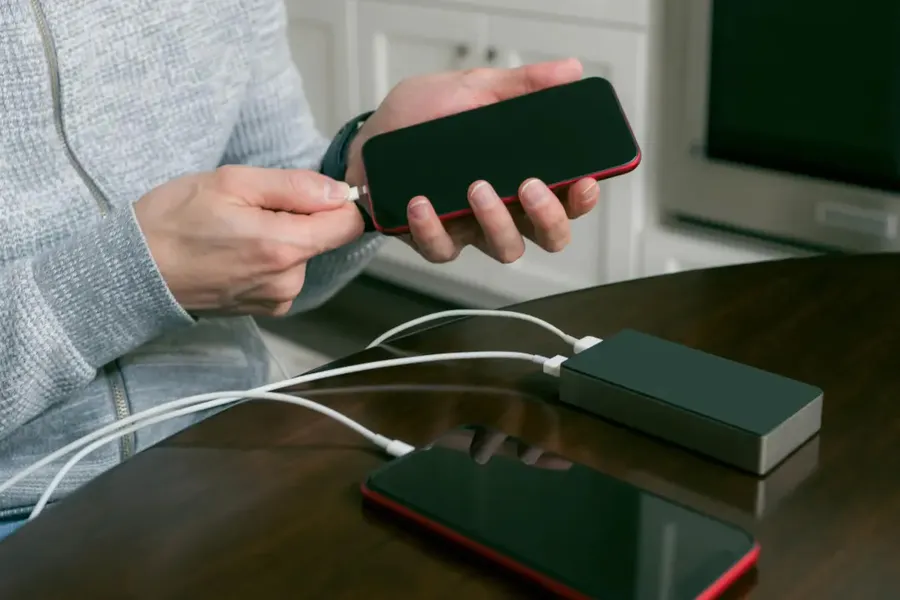
Quick Wins for Better Battery Life
Turn on dark mode, lower screen brightness to 30-50%, restrict background apps, and enable adaptive battery. These four changes alone often add 1.5–3 hours of daily screen time on most phones.
Quick Answer: How to Extend Smartphone Battery Life
The most effective ways are reducing screen brightness, using dark mode, limiting background activity, and enabling battery optimization features. Combining these can realistically add 2–4 hours of usage per day while also helping the battery stay healthier over time.
Why Your Smartphone Battery Drains So Fast
The biggest culprits are the bright, high-refresh-rate screen, background apps constantly syncing data, location services running nonstop, and push notifications. Modern phones with powerful processors and always-on displays use more power than ever. Understanding these helps you target the right fixes instead of random tweaks.
Essential Settings to Change Right Now
Enable adaptive or dark mode – it can save 15-30% battery on OLED screens. Lower screen refresh rate from 120Hz to 60Hz or adaptive when not gaming. Turn on adaptive battery and put unused apps to sleep. Disable always-on display if you don’t need it. These tweaks require almost no effort but deliver noticeable improvements.
Smart Daily Habits That Extend Battery Life
Charge between 20% and 80% when possible to reduce battery stress. Avoid using your phone while charging, especially with fast chargers that generate heat. Close unused apps properly instead of letting them run in the background. Use airplane mode or Wi-Fi only in low-signal areas. These small habits add up and help your battery maintain better capacity over months of use.
Battery Saving Settings Comparison
| Setting | Potential Savings | Effort Level |
|---|---|---|
| Dark Mode + Lower Brightness | 15-30% | Very Easy |
| Adaptive Refresh Rate | 10-20% | Easy |
| Restrict Background Apps | 10-25% | Medium |
| Battery Saver Mode | 20-40% | Easy |
Common Battery Myths Debunked
Closing all apps manually doesn’t always help and can sometimes use more power when reopening them. Leaving Bluetooth or Wi-Fi on constantly is fine on modern phones because they are very efficient. Fast charging is safe when the phone is designed for it – just avoid using the phone heavily while charging to prevent heat buildup.
FAQs – Extending Smartphone Battery Life
How much extra battery life can I realistically get?
Most people see 2-4 additional hours of screen time per day with consistent optimization.
Is it bad to charge my phone to 100% every day?
Modern phones handle it well, but keeping it between 20-80% when possible helps long-term battery health.
Does airplane mode save a lot of battery?
Yes, especially in areas with poor signal where the phone works harder to stay connected.
Conclusion: Make Your Battery Last Longer
Extending smartphone battery life is mostly about smart settings and simple daily habits rather than expensive replacements. Start with dark mode, brightness control, and background restrictions – you’ll notice the difference immediately. Combine these with the right charging habits and your phone will easily last through a full busy day.
For more gadget tips, see best wireless earbuds for daily use budget options or must-have gadgets for students and productivity.
Data Sources & References
Tips based on manufacturer guidelines, independent battery tests, and real user experiences from 2026 smartphone models.