
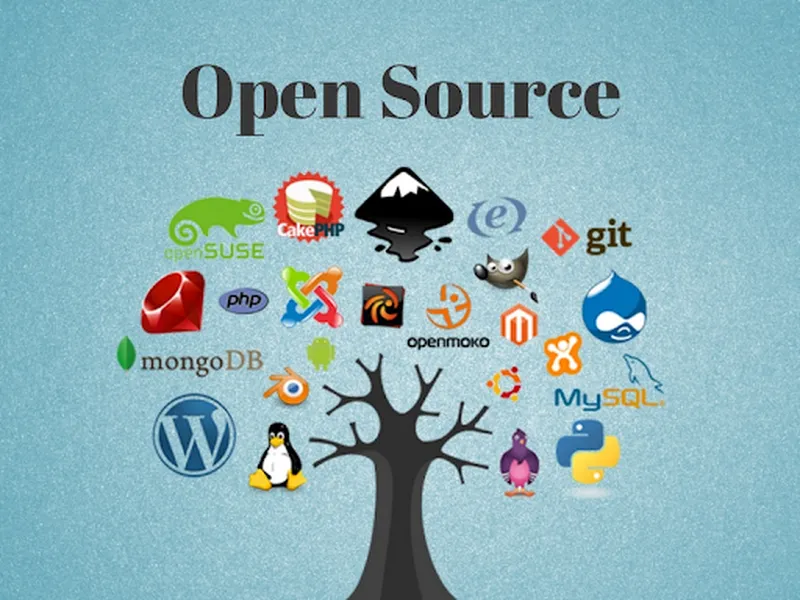
Why Switch to Open Source?
Many paid apps cost hundreds of dollars per year. Free open source alternatives are developed by active communities, support modern file formats, and often include features that surprise long-time paid users.
Quick Answer: Top Open Source Alternatives
LibreOffice for Microsoft Office, GIMP and Krita for Photoshop, Blender for 3D, Shotcut or DaVinci Resolve (free version) for video editing, Firefox or Brave for Chrome, and VLC for media playback. These tools are mature, actively updated, and used by millions worldwide.
Office & Productivity Alternatives
LibreOffice is the most complete free replacement for Microsoft Office. It opens and saves Word, Excel, and PowerPoint files reliably and includes a powerful spreadsheet and presentation tool.
- LibreOffice – Full office suite
- OnlyOffice – Great for collaboration
- Obsidian or Joplin – Excellent for notes and knowledge management
Photo & Video Editing Alternatives
| Paid App | Best Free Alternative |
|---|---|
| Photoshop | GIMP or Krita |
| Premiere Pro | DaVinci Resolve (free) or Shotcut |
| After Effects | Blender (has strong compositor) |
Browsers, Security & Other Tools
Firefox and Brave offer strong privacy features and excellent performance. VLC Media Player handles almost any video or audio format. For password management, Bitwarden is a secure open source choice.
FAQs – Open Source Software Alternatives
Is open source software really free?
Yes. You can download, use, and even modify it without paying anything. Most licenses allow commercial use too.
Do open source apps lack features?
In many cases they match or exceed paid software. The main difference is usually polish and official customer support.
Are these alternatives safe?
Popular projects like LibreOffice, Firefox, and VLC have excellent security records because the code is public and reviewed by many developers.
Can I use open source software for work?
Yes. Millions of businesses and governments rely on them daily for cost savings and flexibility.
Will files from paid apps open correctly?
Most modern open source tools handle Microsoft Office, Adobe, and other common formats very well.
Conclusion – Save Money Without Compromising
In 2026, free open source software offers powerful, reliable alternatives to many expensive paid apps. Whether you need an office suite, photo editor, video tool, or browser, there are mature options that can meet your needs while keeping your budget intact.
For more technology guides, visit our software section.
Data Sources & References
Recommendations based on current features, user feedback, and active development status of major open source projects as of 2026.
For more helpful guides, visit our main categories page.