
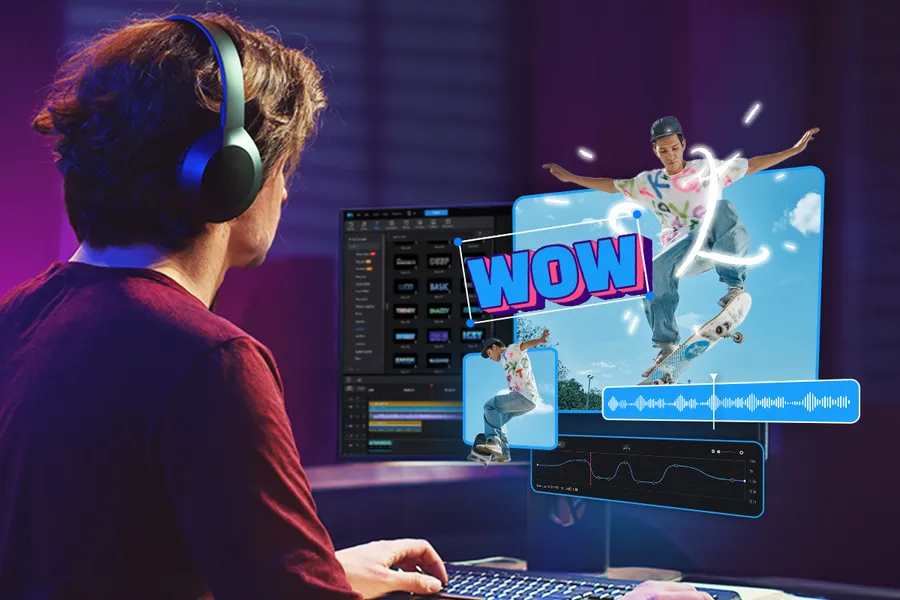
Why Beginners Should Start with Free Video Editing Software
Paid software like Adobe Premiere Pro can cost over $20 per month, but excellent free alternatives exist that deliver professional results. Many successful YouTubers and TikTok creators started with free tools and scaled up later. Learning on free software builds skills without financial pressure.
Quick Answer: Best Free Video Editing Software for Beginners
CapCut is the most beginner-friendly with simple drag-and-drop editing and mobile support. DaVinci Resolve offers Hollywood-level tools completely free. Shotcut and OpenShot are lightweight open-source options. Most beginners start with CapCut and move to DaVinci Resolve as they improve.
Best Free Video Editing Software Comparison 2026
| Software | Best For | Key Features | Learning Curve |
|---|---|---|---|
| CapCut | Absolute beginners & mobile users | Auto captions, effects, templates, TikTok integration | Very Easy |
| DaVinci Resolve | Serious learners wanting pro results | Color grading, Fairlight audio, Fusion VFX | Medium |
| Shotcut | Lightweight editing on any PC | No watermarks, wide format support, filters | Easy |
| HitFilm Express | Creators wanting visual effects | Built-in VFX, 3D compositing, tutorials | Medium |
| OpenShot | Simple timeline editing | Unlimited tracks, animations, titles | Easy |
CapCut – Easiest Choice for Most Beginners
CapCut (by ByteDance, makers of TikTok) has become incredibly popular because it feels modern and intuitive. You can edit on your phone or desktop, add trending effects, auto-generate captions, and export directly optimized for social media. Many beginners create their first viral videos within hours of downloading it. The free version includes almost everything you need.
DaVinci Resolve – Professional Quality for Free
Often called the best free video editor available, DaVinci Resolve is used in Hollywood productions. The free version includes world-class color correction, professional audio tools, and visual effects. It has a steeper learning curve but offers free training videos from Blackmagic Design. Once you master it, you rarely need paid software.
Shotcut – Fast, Free, and No Watermarks
Shotcut is completely open-source and runs smoothly even on older computers. It supports 4K editing, hundreds of formats, and has no watermarks or limits. Perfect if you want something simple without signing up for accounts or dealing with ads.
HitFilm Express – Best for Creative Effects
If you love adding explosions, cinematic titles, or sci-fi effects, HitFilm Express gives you professional VFX tools for free. It includes hundreds of built-in effects and regular free updates.
How to Choose the Right Free Video Editor
- Just starting and want quick results → CapCut
- Want to learn professional skills → DaVinci Resolve
- Have an older computer → Shotcut or OpenShot
- Love special effects → HitFilm Express
Getting Started Tips for Video Editing Beginners
- Keep your first videos short (30–90 seconds)
- Focus on good lighting and clear audio first
- Learn one software well before trying others
- Export in the correct format for your platform
- Watch free tutorials specific to your chosen tool
FAQs – Best Free Video Editing Software for Beginners
Can free software really produce good quality videos?
Yes. Many popular creators use only free tools and their videos look completely professional.
Do these tools work on both Windows and Mac?
Most (CapCut, DaVinci Resolve, Shotcut) support Windows, Mac, and sometimes Linux.
Is there a completely free alternative to Adobe Premiere?
DaVinci Resolve is widely considered the strongest free alternative with many similar professional features.
Conclusion – Start Editing Today
You don’t need expensive software to create great videos. CapCut, DaVinci Resolve, and Shotcut give beginners powerful tools that can grow with your skills. Pick one, download it today, and start making your first video. Practice consistently and you’ll see fast improvement.
Combine your new editing skills with how to create engaging content for social media and tools to manage multiple social media accounts to grow faster.
Data Sources & References
Based on official software websites, user reviews from 2025–2026, and real creator feedback on performance and ease of use.